
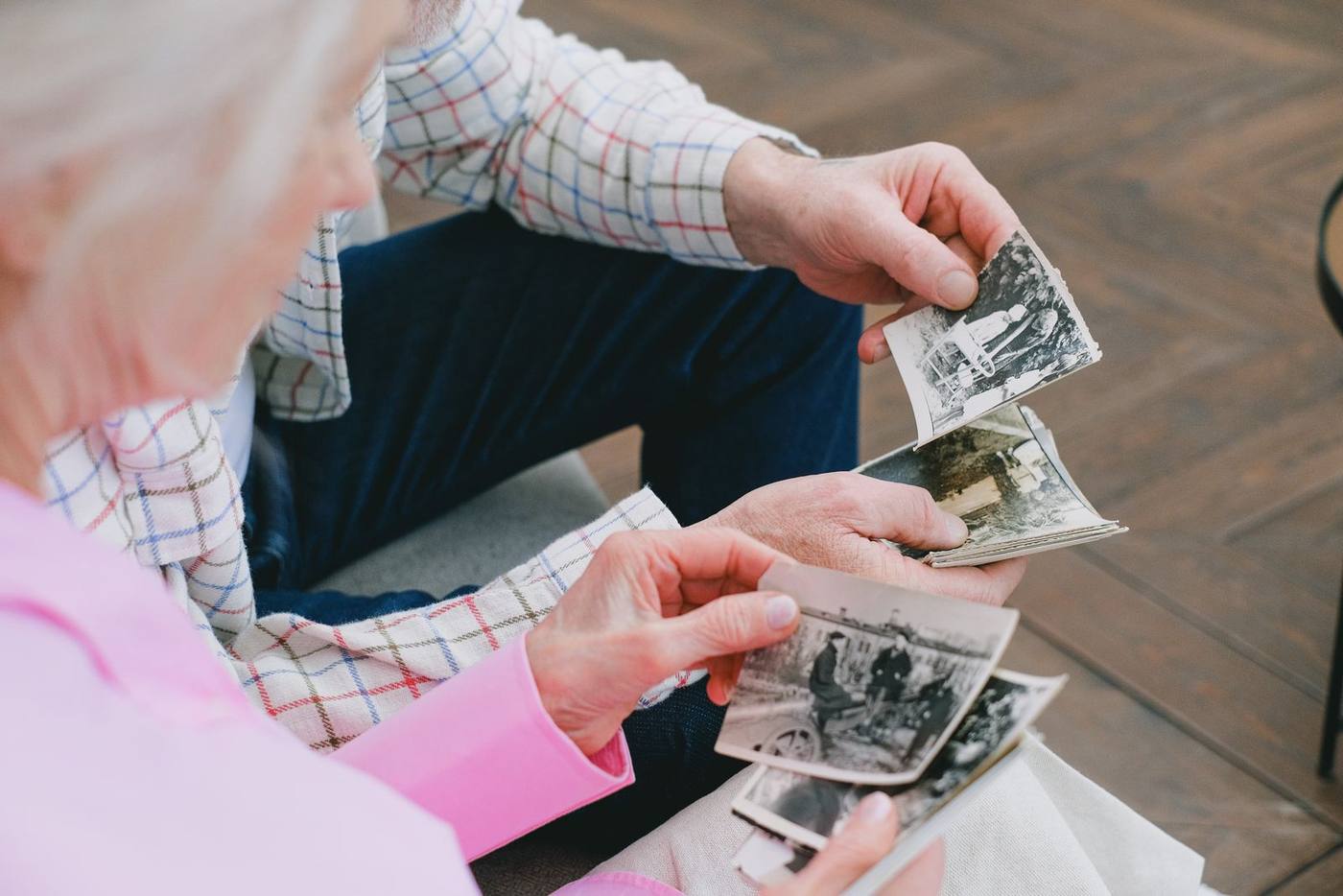
Collecting photos from the whole family before the service
Short answer: The easiest way to collect photos for a memorial video is to choose one person to gather them. Send one clear request with a date, and give everyone the same place to send their photos. Ask each relative for the part of the life they knew best. Then sort as the photos arrive, not all at the end.
Here is a calm way to bring everyone's photos together in the days before the service.
Choose one gatherer
When everyone collects, nobody really collects. Pick one calm, organized person to receive the photos.
It does not need to be the closest relative. Often it is a cousin or grandchild who is good with a phone and has a little time. The gatherer answers questions, sends reminders and keeps everything together. Everyone else only has to send.
One message, sent to everyone at once
Write a single short message and send it to the whole family at the same time. A text or an email both work. Keep it gentle and specific. A good message covers:
- What you are making. A short video of photos and music, to play at the service.
- A date to send by. Set it a day or two before you plan to start building the video.
- How to send. One link or one address, the same for everyone.
- What helps most. Photos where their face is easy to see, and short clips from phones.
- That every photo is welcome. A slightly blurry picture can still be the one that matters.
The date matters most. Without one, photos tend to arrive the night before the service.
Ask each person for a chapter
A general request often brings many copies of the same wedding photo. A specific request fills the gaps. Think about who knew which part of the life.
- Brothers and sisters for childhood and the teenage years.
- Old friends for school, early work and the years before marriage.
- A partner and the children for family life, holidays and home.
- Grandchildren for the recent years, which often live only on their phones.
- Neighbors, coworkers and community friends for the everyday side that family members may never have seen.
Ask each person for five to ten favorites from their chapter. A small number feels easy, and people choose more carefully. If you are not sure how many you need in total, our guide to how many photos a funeral slideshow needs helps you set a target.
Setting up the shared folder
Give everyone the same destination. A shared online folder works well, and so does a shared album on the phone. One place means nothing gets lost in separate texts and emails.
Ask people to send the full-size photo, not a screenshot. Photos forwarded through group chats are often shrunk along the way. Our post on making a memorial slideshow on your phone explains how relatives can share the original files.
A few small habits keep the folder tidy:
- Make one folder for each sender, or one for each chapter of the life.
- Ask people to add a short note about who is in the photo and roughly when.
- If a relative has already turned old prints into files, ask them to send those too.
Sorting as the photos arrive
Do a little each evening. Thirty quiet minutes a day feels lighter than a whole weekend at the end.
- Remove exact duplicates. Keep the clearest version and let the others go.
- Notice the repeats. When three people send the same photo, it is probably one of the most loved.
- Set aside anything delicate. If a photo might hurt someone in the room, leave it out of the video.
- Keep a short list of names and years. It will help when you put the photos in order.
Thank people as their photos come in. A short reply lets them know their memories arrived safely.
When the photos are in
On the date you chose, thank everyone and let them know the collection is closed. Late photos still happen. Add one if it truly fills a gap, and gently save the rest for later.
Then you can start building. If you would like a simple place to do it, Create is our make-it-yourself memorial video maker. You add the photos you gathered, choose the music, and watch the whole film before you pay. It starts from $99.
If the video is meant to play at the funeral itself, our funeral slideshow maker is set up with the service in mind.
Located in Westchester, NY, Tribute Montage serves families nationwide through a fully remote platform.