
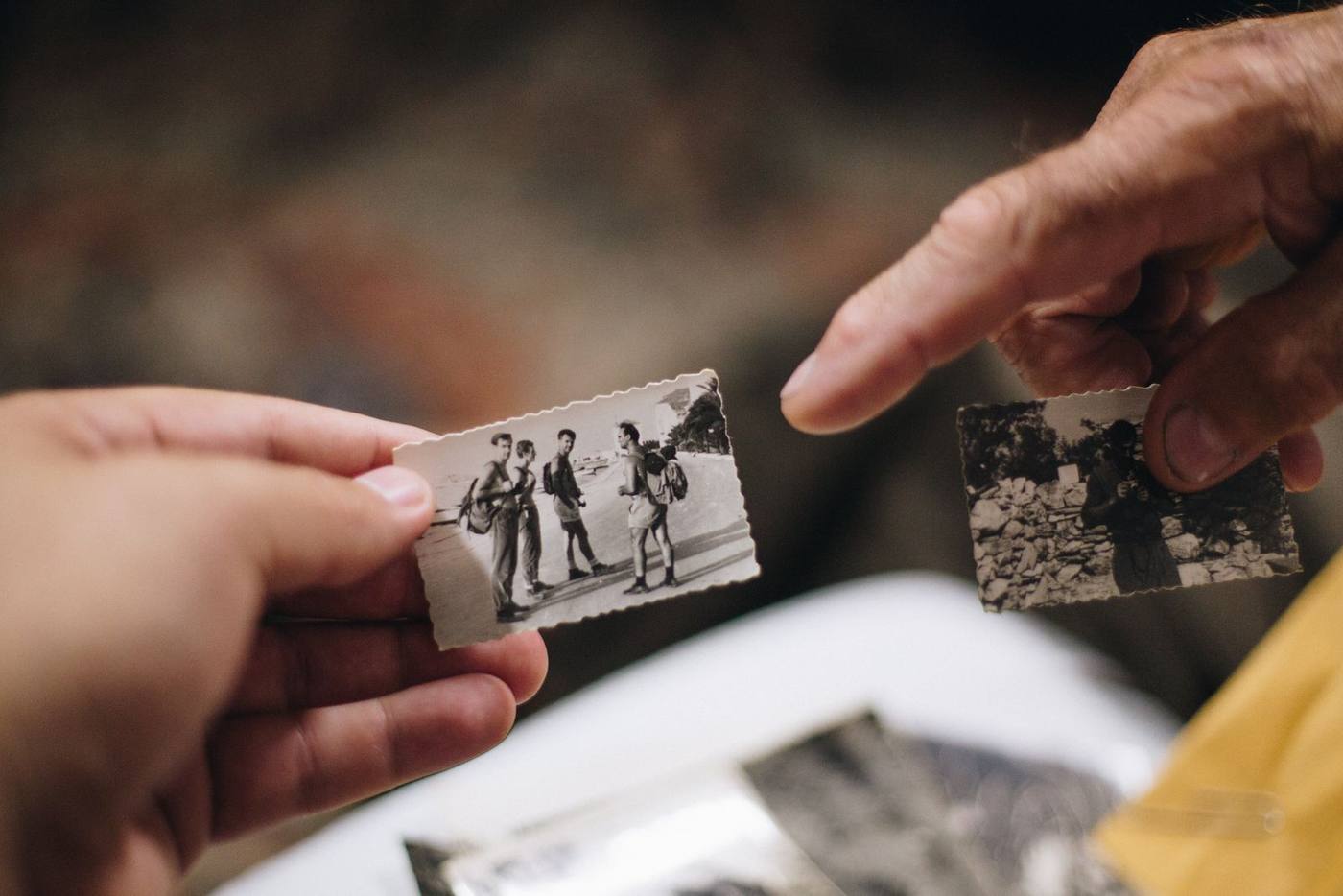
When the family has only a handful of photos
Short answer: a memorial video with few photos can still be moving and complete. Let each photo stay on screen longer, and add slow, gentle movement. Pull a few close details from the photos you have. Keep the video short, and fill any gaps with words, places and voices rather than filler.
A short video is a complete video
Many families worry that a handful of photos is not enough. It is. The room is not counting pictures. People are watching a face they loved.
A video of two or three minutes can hold a whole service together. Short is not lesser. It often feels more focused, because every image matters.
Our guide to how long a funeral slideshow should be helps you match the length to the service. With few photos, aim for the shorter end and let it breathe.
Let each photo stay a little longer
With a large collection, photos move quickly. With a small one, you can slow down. Give each photo more time than usual, so people can really look.
- Add slow movement. A gentle zoom or a slow drift across the photo keeps the screen alive.
- Use soft transitions. A slow fade between photos suits a calm pace better than quick cuts.
- Give the best photo a moment alone. Hold the clearest portrait near the start or the end, with nothing else around it.
Watch it through once at full length. If a photo starts to feel long, shorten it slightly. If it feels rushed, give it more time.
One photo can hold several moments
A single group photo often holds more than one story. You can show the whole picture first, then move in closer on one part of it.
- The face. Move in on their smile after showing the full scene.
- The hands. Hands holding a grandchild, a tool or a cup say a great deal.
- The people beside them. Show who they stood next to, one person at a time.
- The background. A porch, a kitchen or a car can bring back a whole era.
Keep close crops modest. A small or older photo can turn soft if you move in too far. If it starts to blur, pull back a little.
Where more photos may still be waiting
Before you settle on what you have, look in a few quieter places. Photos often hide where nobody thinks to check.
- Old phones and tablets. A drawer of retired devices can hold years of forgotten pictures.
- Email and messages. Relatives often sent photos to each other and forgot about them.
- Friends outside the family. Neighbors, coworkers and old friends may have photos you have never seen.
- Their social media profiles. Tagged photos from friends can fill in recent years.
Even two or three new photos can change the shape of the video. If a relative has already turned old prints into files, ask them to send those too.
Filling the space without filler
When photos are few, other things can carry part of the story. Choose what feels true to the person, not what simply fills time.
- Photos of their things. Take a phone photo of their chair, their garden, their hat or their workbench.
- Their handwriting. A recipe card or a birthday note brings them close in a way few images can.
- Short phone clips. A few seconds of them laughing or talking is worth many still photos.
- Simple words on screen. A name, the years, a favorite saying or a line from the eulogy.
- Places that mattered. A current photo of the house they built or the lake they loved.
Space these between the photos of them. The person should stay at the center, with everything else supporting them.
Choosing music for a quiet pace
With few photos, the music does more of the work. Choose something that suits a slow, steady rhythm.
- Pick one song, not three. A single piece keeps a short video feeling whole.
- Look for a gentle tempo. Soft piano, strings or a calm acoustic guitar all suit a slower pace.
- Let the music end the video. Hold the last photo until the final note fades.
If you bring your own song, licensing it for any public or broadcast use is your responsibility. We also offer a royalty-free music library as a paid add-on, with the permit included, if you would like a simpler path.
Putting it together in one place
If you would like a simple way to build it, Create, our make-it-yourself memorial video maker, may help. You add your photos, choose the music and watch the whole film before paying, from $99.
That last part matters with a small collection. You can see exactly how each photo feels on screen, then adjust the timing until the pace is right.
If you would rather hand the work to someone else, our memorial and tribute videos are made from whatever the family has. Either way, a handful of photos is enough to honor a life well.
Located in Westchester, NY, we serve families nationwide through our fully remote platform.