
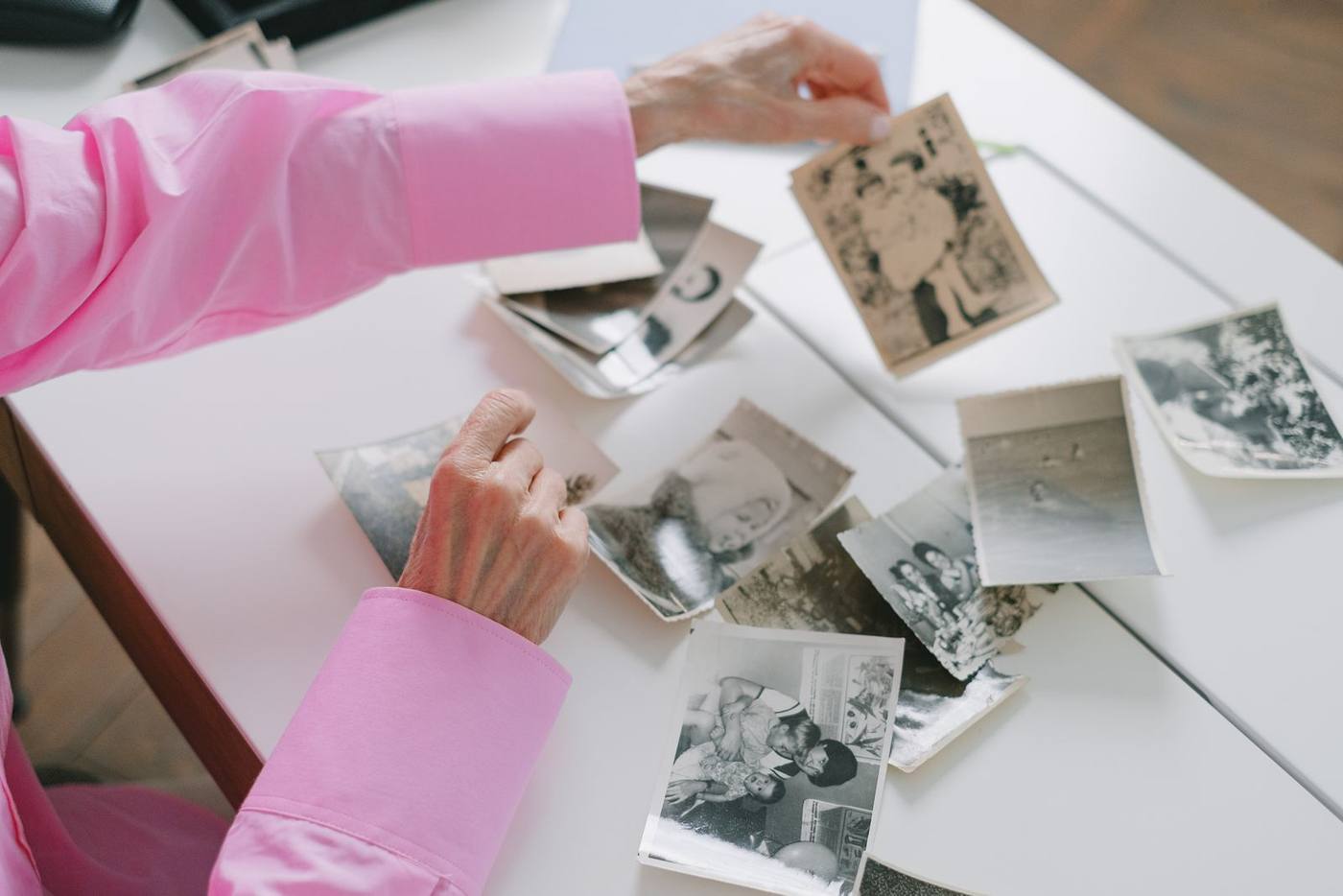
Putting photos in the right order for a memorial slideshow
Short answer: For most families, the best order of photos for a memorial slideshow is a simple timeline. Childhood comes first and the later years come last. Within that, group the photos into chapters of the life. Choose the first and last photos on purpose, then watch it through once and move anything that feels out of place.
Pick the shape before you sort
Deciding on a shape first saves hours of shuffling later. Three shapes work well for a memorial.
- A straight timeline. From the baby pictures to the last years. It is the easiest shape for a room to follow.
- By theme. Family, work, travel, friends, hobbies. This suits a life with several strong sides, or photos that are hard to date.
- A timeline with a few stops. Mostly in order, with a short group about one passion where it fits. The garden, the boat, or the kitchen table at the holidays.
If you are unsure, choose the timeline. People in the room will recognize the moment they came into the story.
A simple way to lay them out
You do not need special software to sort. A few folders on your computer will do.
- Make one folder for each chapter. Names like "Growing up", "Early married years", "Raising the kids" and "Grandparent years".
- Drop every photo into a folder. Do not sort inside the folders yet. Only decide which chapter each photo belongs to.
- Number the file names. Start them with 010, 020, 030. The gaps let you slip a photo in later without renaming the rest.
- Sort within each chapter. A rough order is enough. A photo that is two years out of place will not trouble anyone.
If one folder grows much bigger than the others, our guide to how many photos a funeral slideshow needs can help you trim it.
The first photo and the last photo
These two photos stay with people longest. Choose them before you settle anything in the middle.
For the opening, some families use a clear portrait of the person as everyone knew them. The baby pictures follow from there. Other families start with the earliest photo and let the life unfold. Both are right.
For the closing, choose a photo where their face is easy to see. A warm recent portrait works well. So does a photo of them with the whole family. Let it stay on screen a little longer than the rest.
Keeping the middle moving
A long run of similar photos can make a room drift. Small choices in the order keep people with you.
- Mix close and wide. After a few group photos, place a close photo of them alone.
- Keep the best of a set. If there are five photos from one afternoon, choose one or two. The rest can go in a family album.
- Break up the posed photos. A candid laugh between two formal portraits brings the person back to life.
- Put short phone clips where they happened. A clip belongs in the timeline, just like a photo from that year.
- Let color mark the years. Black and white photos sit together naturally. The change to color quietly signals a new chapter.
Where the harder photos go
Some photos resist a place. These simple rules settle most of them.
- No date on the back. Look for clues. Hairstyles, the car in the driveway, or which children are in the picture. Close enough is fine.
- Large group photos. Place them with the event, such as the wedding or the family reunion.
- Beloved pets. Put them in the years they lived in the home.
- The photo everyone loves but nobody can place. Consider it for the closing moment.
Seeing the order as the room will
A list of files looks different from a film that plays. Once the order is set, watch it at full speed with your music.
Notice where your attention drops, or where something jumps. Move those photos, or let them go. Then ask one relative to watch. They may spot a grandchild placed in the wrong decade.
If the timing feels too long or too short, our guide to how long a funeral slideshow should be can help you find the right length.
If you would like a tool built for this, Create, our memorial video maker, lets you add your photos, drag them into order and choose from our royalty-free music library (available as a paid add-on, permit included). You can watch the whole film before you pay, from $99.
Located in Westchester, NY, we serve families nationwide through our fully remote platform.