What to send us, and what shape the photos need to be in
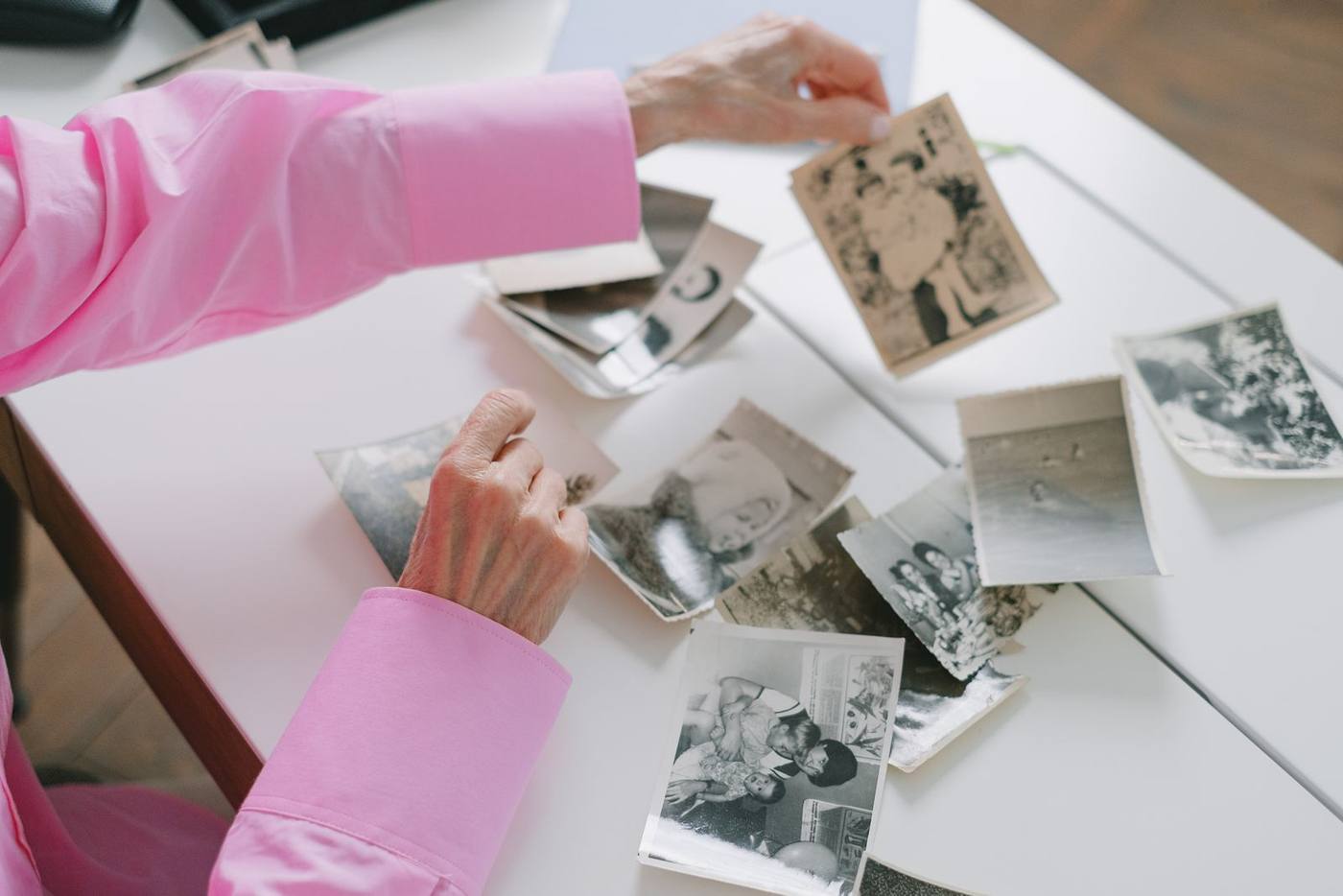
Short answer: send us your photos for a memorial video as digital files, in their original full size, exactly as they are. Add any short phone clips, the name and dates you want on screen, and a note about the music. Do not crop, filter or tidy anything first. We would rather have the plain original than a polished copy.
The short list of what to send
Most families need far less than they fear. Here is what helps us build the video:
- Photographs. Childhood to the last years, with people, places and ordinary days.
- Short video clips. A few seconds of them laughing, talking or dancing can mean a great deal.
- The words for the screen. The full name as the family uses it, and the dates if you want them.
- Your music choice. A song title, or simply the mood you want, such as gentle, hopeful or quietly joyful.
- A few favorites marked. Tell us which photos matter most, so they get the time they deserve.
If you are unsure how many photos to gather, our guide to how many photos a funeral slideshow needs will help you find the right number.
Send the original, not a copy of a copy
A photo loses a little quality every time it is shared. That loss is easy to miss on a phone. It shows clearly on a large screen at a service.
- Use the file from the camera roll. Go to the photo on the phone or computer where it was first saved.
- Avoid screenshots. A screenshot captures the screen, not the photo. It is smaller and often includes the edges of an app.
- Avoid copies saved from social media. Those sites shrink photos to load quickly. Ask the person who posted it for the original.
- Be careful with messaging apps. Many of them make photos smaller when you send them. If a relative texts you a picture, ask for the full file too.
If an original truly cannot be found, send what you have. A small photo of the right moment is still worth including.
Leave the photos as they are
It is natural to want to tidy things up before sending them. Please resist. Plain files give us the most room to work.
- Do not crop. A photo cropped tightly on a phone may not fit the screen well later. The extra edges help us frame it.
- Do not add filters. Color filters and effects are hard to undo, and they rarely match across a whole video.
- Do not add text or borders. We place names and dates on screen ourselves, in one steady style.
- Tall and wide photos are both fine. Send them the way they were taken.
Some older prints may already have been turned into files by someone in the family. Send those files just as they are. Do not worry if the colors look a little tired. Many of these carry the most feeling in the whole video.
Short clips from phones
Video clips bring back a voice and a way of moving that photos cannot. Even two or three short clips can change how a video feels.
Send each clip as its original file, the same way as your photos. Long recordings are fine. Just tell us which part you love, such as “the moment she starts laughing near the end”.
If there are gaps, that is all right. We edit from what you provide, and we can add gentle footage we source to help the story flow. You can see how this comes together in our sample videos.
A few words that save time later
A short written note helps us get the details right the first time. Keep it simple:
- Names and spellings. Include nicknames, and how you want the name to read on screen.
- Who is who. A quick note on a few key photos helps, for example “Dad with his brother, around the 1970s”.
- Anything to leave out. If a photo or a person should not appear, tell us plainly.
- Music. Please note that licensing or clearing any songs you choose, whether personal favorites or well-known recordings, is your responsibility. Choose what feels right for your family.
You do not need exact dates or a perfect order. Rough notes are enough to guide us.
How to hand it all over
Everything is sent digitally, through your family’s private online portal. It opens from a personal link, with no password. You upload from your own phone or computer, or share a Dropbox or Google Drive link, and we can open a link so relatives far away add their own photos. Nobody needs to post anything or travel.
Three drafts are included, so there is room to add a photo someone finds late or to change the order. Your proposal spells out everything before you book. You can learn more about how our memorial and tribute videos are made.
Located in Westchester, NY, we serve families nationwide through our fully remote platform.